Work from approved sources.
Point KOVA at the folders and systems your company has cleared. Search and summarize from material people already trust, instead of pasting confidential context into a personal AI account.

SOS AI introduces KOVA
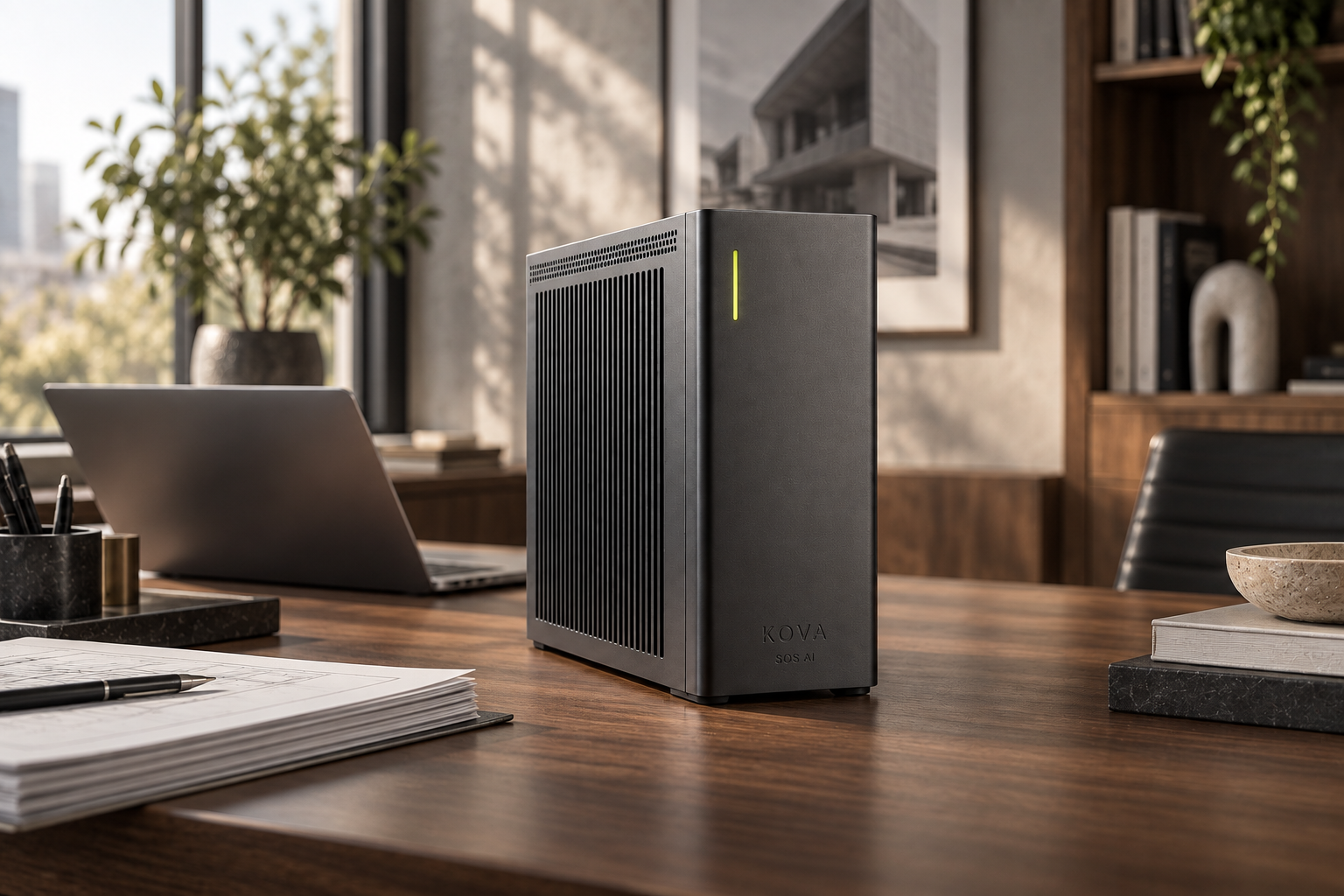
KOVA is a private AI appliance from SOS AI. It sits on your network, works with documents your company has approved, and runs supported models where your IT team can see and manage them.
Built for Canadian workplaces that want useful AI on company files — without turning every prompt into a cloud submission.
01 / Meet KOVA
SOS AI builds KOVA: a dedicated local AI machine sized around your people, your files and the workflows you want to try first. The point is not a slogan. It is model inference you can point to inside your infrastructure.

Core processing stays within this boundary.
Point KOVA at the folders and systems your company has cleared. Search and summarize from material people already trust, instead of pasting confidential context into a personal AI account.
Supported models run on hardware inside your environment. Core local workflows do not require sending prompts to a cloud AI service.
Decide who can use which sources, how long outputs are kept and which results need a named reviewer before they leave the desk.
The intelligence behind KOVA
KOVA brings advanced AI into the place where your work happens. Its model options are selected for demanding reasoning, rich documents and useful assistance — with a configuration matched to your company.
A reference model can work with 262,144 tokens of context, creating room for lengthy documents and detailed instructions.
Broad language coverage opens possibilities for multilingual teams. Quality and supported workflows vary by language.
Core inference runs inside your company’s environment. Your approved knowledge can stay close to the people using it.
Published model reference results
These are developer-reported results for candidate models, not measurements of KOVA. Profiles represent different models; their scores are not combined.
Knowledge and reasoning benchmark
Document understanding benchmark
The opportunity: analyse technical information and make complex documents easier to work with.
Instruction-following benchmark
Coding benchmark · zero-shot
The opportunity: follow structured briefs, help draft code and support repeatable company workflows.
¹ Published model capabilities, not a guaranteed KOVA specification. Context capacity, model availability, speed and concurrent users depend on hardware, model size, precision and deployment settings. Hardware and model versions are not yet finalised; no KOVA benchmark results are claimed. Reference figures reviewed September 2026.
Explore questions, compare information and prepare a considered first draft from approved material.
Selected model configurations can interpret document layouts, images and charts alongside written context.
Shape the machine around research, internal assistance and coding tasks, with review where it matters.
02 / Your workplace, upgraded
Most teams do not need “AI everywhere.” They need a clear first use case, a limited set of sources and a person who reviews what matters. That is how we scope a KOVA pilot.

Search procedures, handbooks and project records. Turn long internal documents into summaries a supervisor can check against the source.
Prepare proposals, replies and meeting briefs from approved material — without dropping client context into an unapproved public AI tool.
Pull details from approved documents, compare reports and assemble a draft. Finance leads, counsel or managers verify figures and sign off.
Looking for private AI by place and profession? Browse KOVA pages by province and city for local search coverage — sector and role landings tied to that geography — then talk with us about hardware and approved sources.
03 / Why local matters
Contracts. Pricing. Client records. Internal strategy. When employees submit that information to cloud AI, the submitted content is sent to a provider’s infrastructure for processing. That is a data decision, even when it feels like a quick question.
Copying a confidential document into an unapproved AI tool transfers it beyond your company’s infrastructure. Decide what can leave before it happens.
Retention, access, connected services and permitted uses depend on the product, plan and settings. Your team needs to understand each boundary.
Unmanaged accounts can put company information outside your normal access and recordkeeping processes. A clear, approved workspace gives people a better path.
Know the difference
| The question | Cloud AI services | SOS AI local deployment |
|---|---|---|
| Where does the model run? | On the provider’s infrastructure | On your company’s machine |
| Where is work processed? | Submitted content goes to the service | Core work is processed locally |
| Who sets the boundaries? | Your settings plus provider terms | Your network and deployment controls |
| What needs an outside connection? | Cloud model requests | Only explicitly enabled external services, updates or support |
ChatGPT is not automatically public: OpenAI states that Business, Enterprise and Edu workspace data is encrypted and is not used to train its models by default. Cloud processing still differs from keeping model inference on your own hardware. Read OpenAI’s documentation ↗
04 / Private by architecture
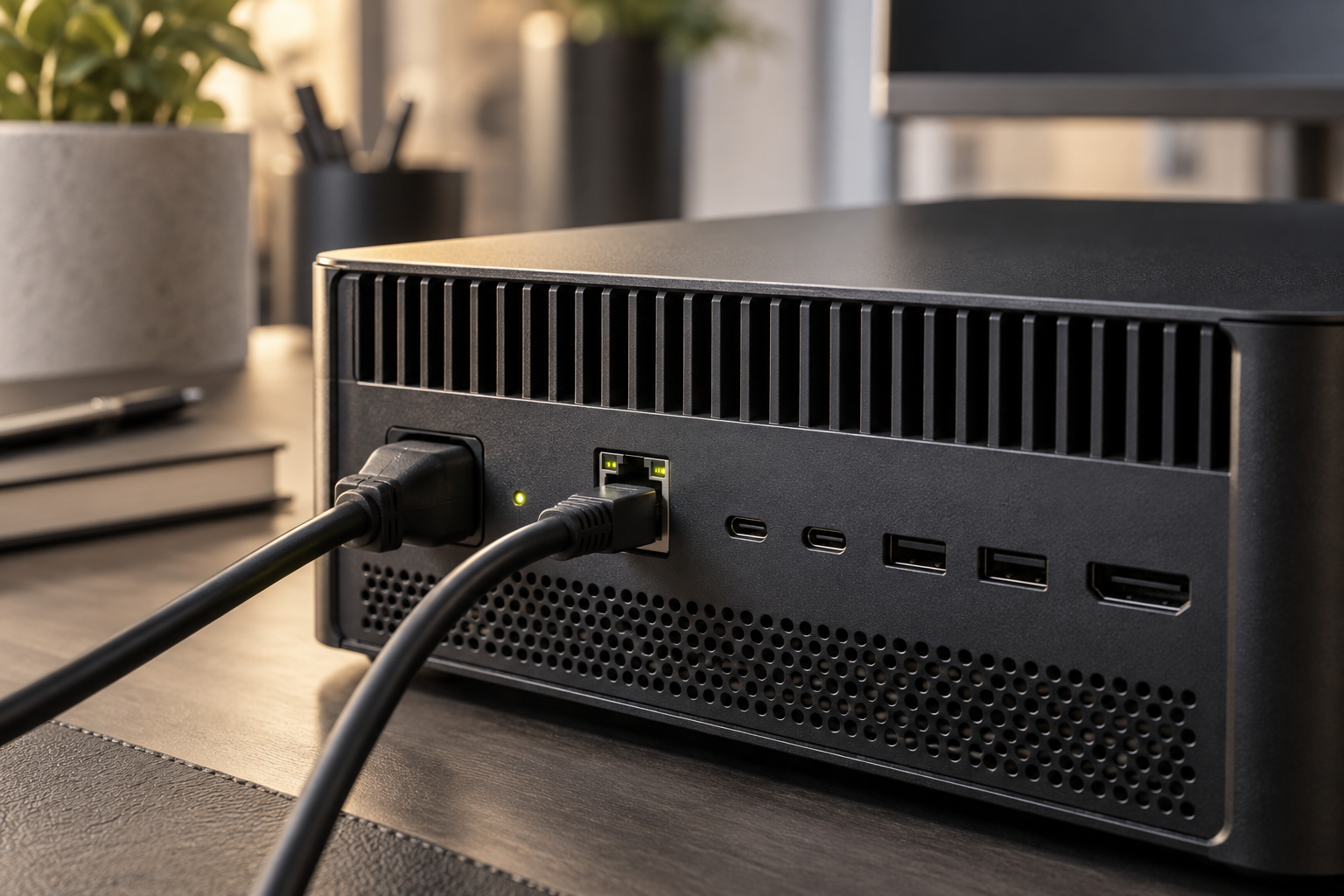
Local AI keeps core processing close to the people and information it serves. Security still takes deliberate configuration: access control, updates, backups and a clear policy for external connections. Local does not mean “set and forget.”
05 / Workflows with oversight
Design repeatable AI workflows around work you already do. Keep a named person involved wherever a result touches customers, money or official company records.
Use the approved project folder to identify milestones, open issues and next steps. The project lead reviews the draft before it is shared.
A practical path to private AI
Identify a repetitive task, the information it needs and the people allowed to use it. Define what a useful result looks like.
Size your KOVA configuration, select a suitable model and connect approved sources. Set access, retention and network boundaries with your IT team.
Test with your team, review output quality and introduce the workflow gradually. Expand only when the results justify it.
A few good questions
SOS AI makes KOVA: a physical, private AI box for company work. Supported models run on KOVA in your environment. Any optional cloud integration should be explicitly approved and assessed separately.
Core inference can run locally with an installed model and locally available information. Updates, remote support and connected online services may need network access. The deployment should define those exceptions before use.
The goal is to work with approved company knowledge. Source compatibility, permissions and any required integration work are assessed during scoping; connecting a source should never give users broader access than intended.
No. Local processing changes where your data is handled; it does not remove the need for secure configuration, maintenance or human review. AI can produce incorrect answers, so important outputs should be checked against their sources.
Start with your workflows, document volume, model requirements and number of concurrent users. Hardware, performance and pricing depend on that scope. Talk with us about a pilot before committing to a wider rollout.
Bring AI in-house
Tell us which job needs a better answer, an earlier warning or fewer manual steps. SOS AI configures the local models, data connections and approved actions to support it.
1 (888) 362-2348